Device · Smart Displays & HMI
Smart Displays & HMI
Reliable user interfaces supported by the right controller board, connectivity and mechanical integration.
Why it's hard
Working in the lab isn't enough.
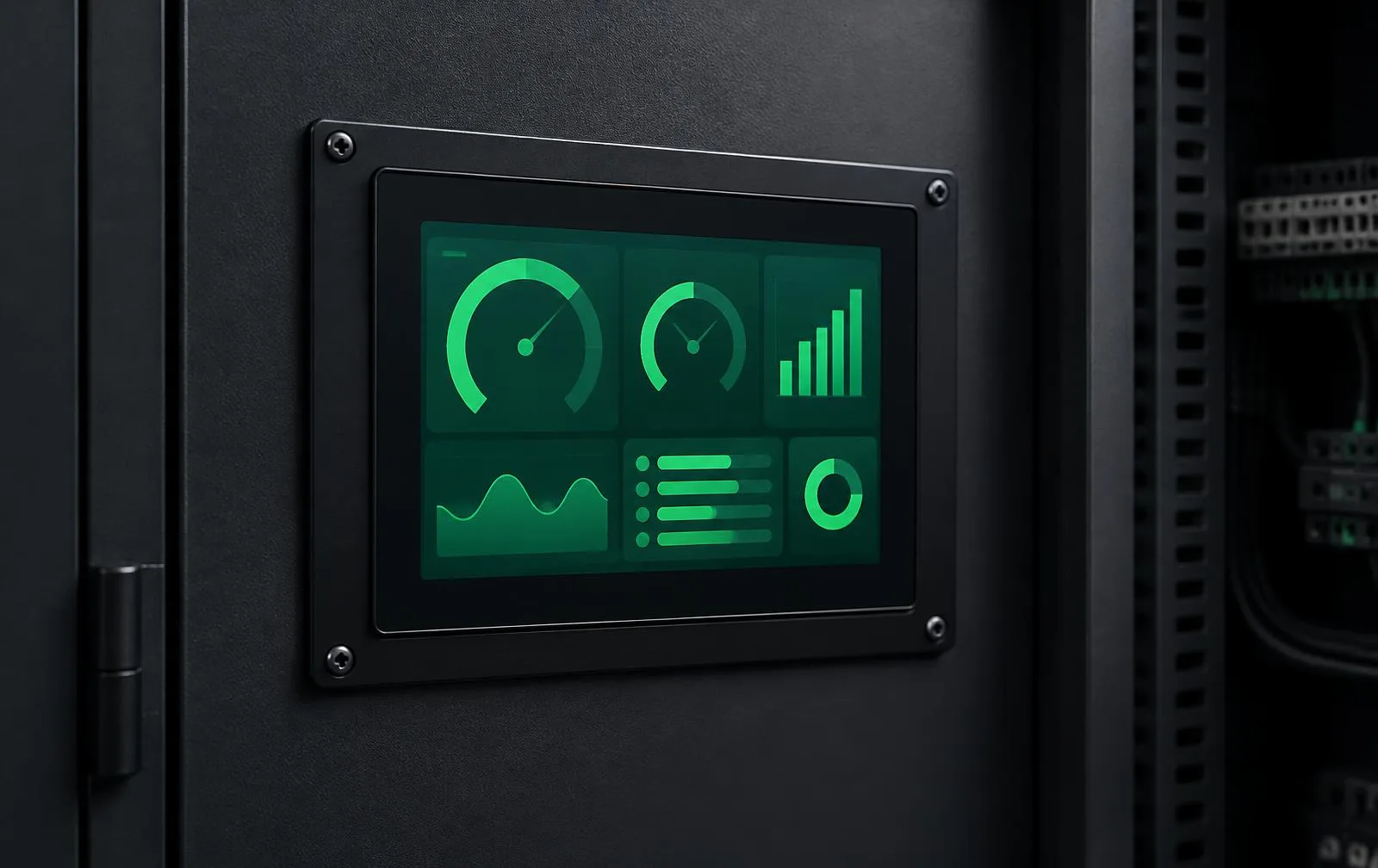
Display projects often stall between UI concepts, panel interfaces, controller capabilities and the finished enclosure. Resolution, touch, boot time, brightness, EMC, cable length and thermal behavior all affect the result.
Existing platform directions
Start from an existing platform.
- 01
DWIN HMI
4.3–15.6-inch modules with application UI and host protocols
- 02
Custom dual-display controllers
Linux MPU and MIPI/RGB/LVDS
- 03
Smart control panels
touch UI, sensor inputs, relay/RS485/CAN and cloud connectivity
- 04
Low-power e-paper devices
battery operation and wireless synchronization
Customizable
- Size, brightness, touch and cover glass
- UI flows, graphics and multilingual support
- Host protocols and industrial I/O
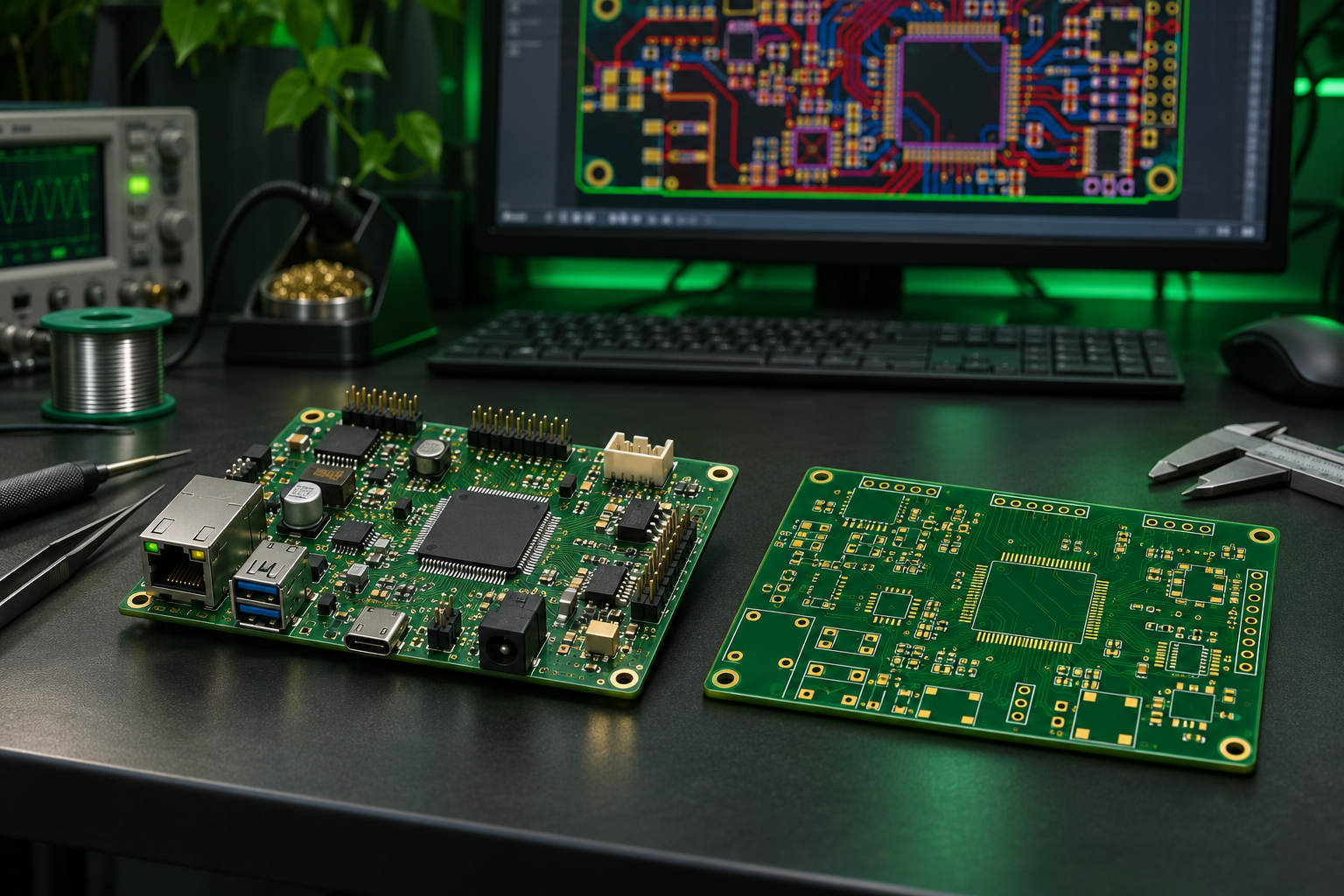
- Controller PCB and display connectors
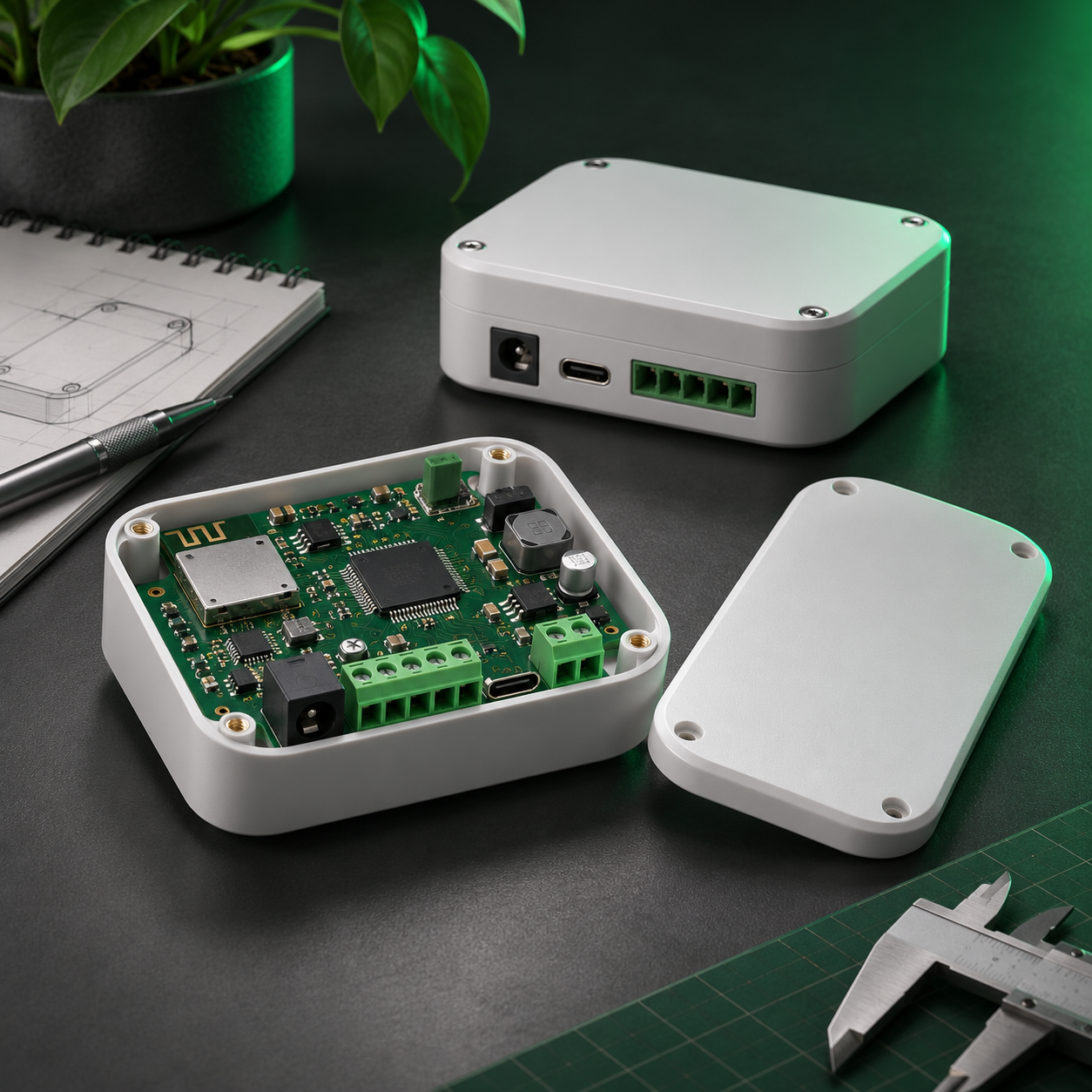
- Enclosure, mounting and front-panel branding
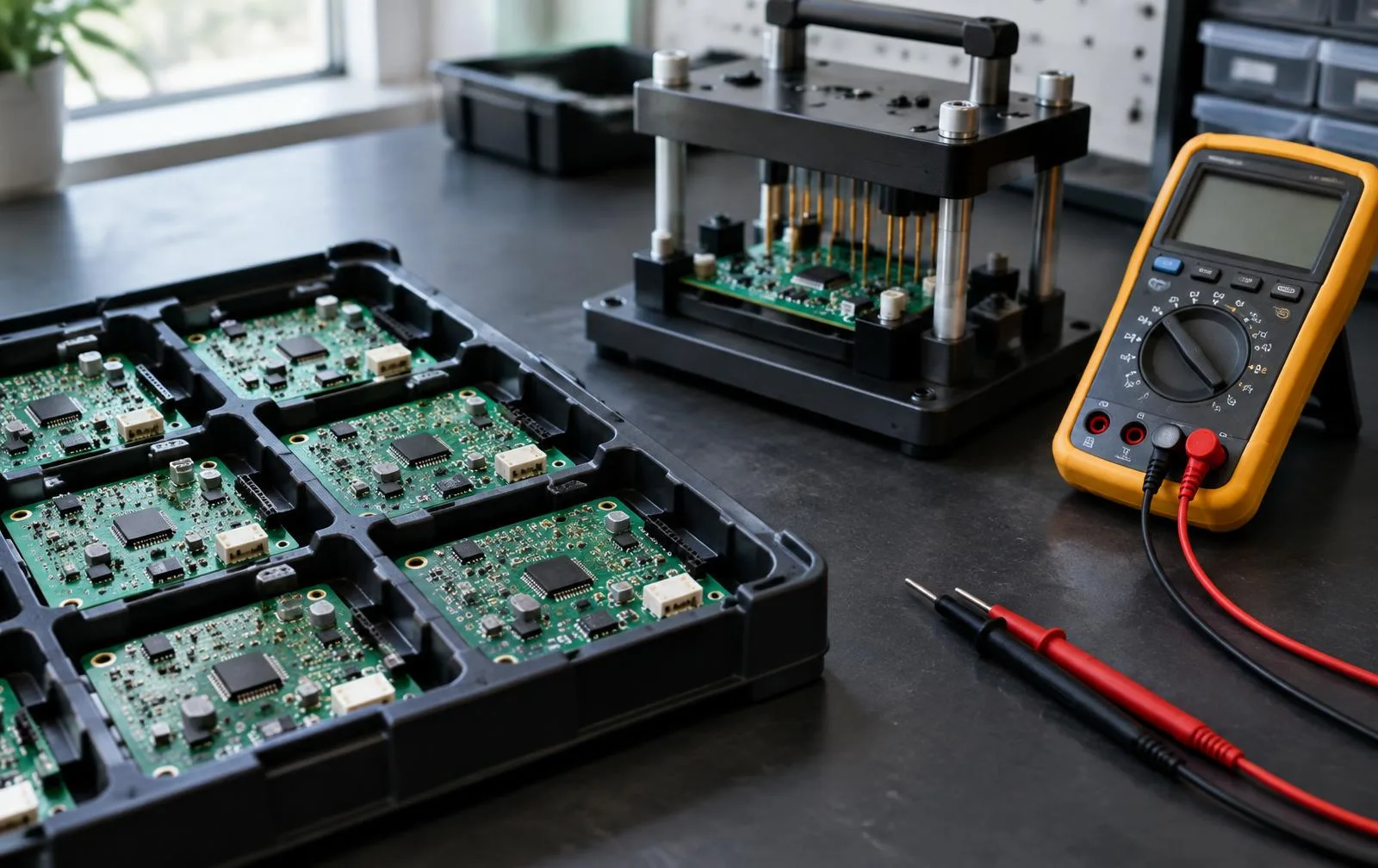
- Functional testing and mass-production package
Architecture & specifications
- Platform
- DWIN T5L/DGUS, Linux MPU or MCU
- Display interfaces
- MIPI DSI, RGB, LVDS, HDMI, SPI
- Interaction
- Capacitive / resistive touch, haptic and audio feedback
- Connectivity
- RS485, CAN, Ethernet, Wi-Fi, BLE and cellular
Quotation process
Next steps.
- 1
Assess requirements and the deployment environment
- 2
Match an available SKU / configuration
- 3
Check availability
- 4
Quoted by configuration and quantity
- 5
If customization exceeds standard product capabilities, proceed to an ODM assessment
Before you start
Frequently asked questions.
Right for your project?
Send a few lines about your application and quantity. Bambootronics replies with clarifying questions and a suitable configuration direction.
Related
Supporting engineering services
Service directions to discuss, not a compatibility statement or a bundled purchase.